


AI Presentation Tools — Independent Review Site

Compare the Top AI Slide Makers

We review the best AI presentation tools so you can find the perfect one for your needs. All tools are tested by our team — no sponsored rankings, ever.

14 Tools Reviewed
Updated May 2026
100% Independent
🤖

AI-Powered Presentations

These tools use advanced AI to generate complete, polished presentations from a prompt or document — saving you hours of work.

5 tools
#1
🎯

SlideSpeak

Generate full decks from prompts in seconds

Best Overall
4.8
$29 /mo
Free plan available

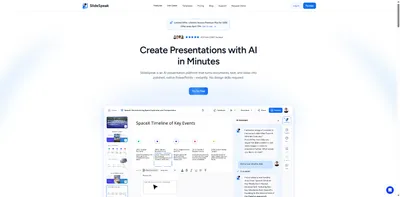
SlideSpeak uses GPT-4 to instantly generate complete, polished presentations from a simple text prompt or uploaded document. It's ideal for professionals who need pitch decks, reports, and training material at speed.

Pros

  • Generates full decks from a single prompt
  • Upload PDF/Word to auto-create slides
  • High-quality, professional templates
  • PowerPoint & PDF export

Cons

  • Free plan limited to 3 exports/month
  • Custom branding on paid plans only
Best for: Professionals needing fast, polished decks
#2

Beautiful.ai

AI that auto-designs as you type

Best Design
4.7
$12 /mo
Trial only

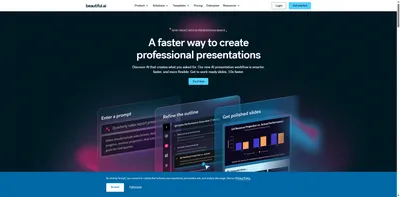
Beautiful.ai's Smart Slide technology automatically adjusts layouts, spacing, and design as you add content, ensuring every slide looks professionally designed without manual tweaking.

Pros

  • Auto-layout adjusts as you type
  • 200+ professionally designed templates
  • Real-time team collaboration
  • Brand kit & asset management

Cons

  • No free plan available
  • Limited offline functionality
Best for: Design-conscious teams wanting polished slides fast
#3
🤖

Presentations.ai

Enterprise-grade AI slide generation

Most Powerful AI
4.6
$198 /yr
Free plan available

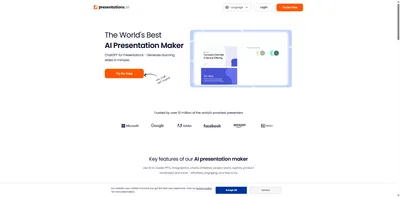
Presentations.ai leverages advanced AI to generate highly detailed, data-rich presentations from a brief. It supports brand guidelines, custom themes, and integrates with business data sources for enterprise use.

Pros

  • Advanced AI with detailed slide content
  • Brand guidelines enforcement
  • Data source integrations
  • Enterprise SSO and security

Cons

  • Free Starter plan is very limited
  • Overkill for individual users
Best for: Enterprise teams needing branded, data-driven decks
#4

Plus AI

AI presentation maker inside Google Slides

Best Add-on
4.5
$10 /mo
Trial only

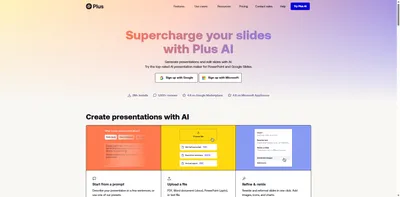
Plus AI is a powerful Google Slides and PowerPoint add-on that brings AI generation, editing, and rewriting directly into your existing tools. No platform switching required.

Pros

  • Works inside Google Slides & PowerPoint
  • AI rewrite and remix existing slides
  • Maintains your existing templates
  • Great for teams already using GSuite

Cons

  • Requires existing Google or Microsoft account
  • No free plan
Best for: Teams that want AI inside their existing workflow
#5
🪄

MagicSlides

Instant AI decks for Google Slides users

Most Affordable
4.1
$8 /mo
Trial only

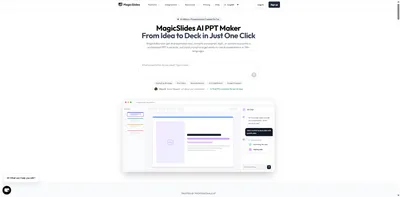
MagicSlides is a budget-friendly AI presentation tool that creates Google Slides presentations from a topic or YouTube URL. It's fast, affordable, and perfect for quick presentations.

Pros

  • Very affordable starting price
  • Generate from YouTube URLs
  • Works as a Google Slides add-on
  • Simple and fast for quick decks

Cons

  • Basic design quality
  • Limited template variety
Best for: Budget-conscious users needing quick presentations
💼

Business & Team Tools

Built for teams and professionals who need powerful collaboration features, brand controls, and enterprise-grade reliability.

4 tools
#1
🚀

Pitch

Beautiful presentations built for collaboration

Best for Teams
4.6
$12 /mo
Free plan available

Pitch is a modern presentation platform built for startup and business teams. It offers powerful collaboration features, version history, commenting, and a clean editor that makes team decks effortless.

Pros

  • Best-in-class team collaboration
  • Version history and comments
  • Generous free plan for individuals
  • Beautiful, modern templates

Cons

  • AI features limited to paid tiers
  • Fewer templates than competitors
Best for: Startups and business teams building decks together
#2
🌀

Prezi

Zoomable, non-linear presentations that captivate

Most Engaging
4.4
$4 /mo
Free plan available

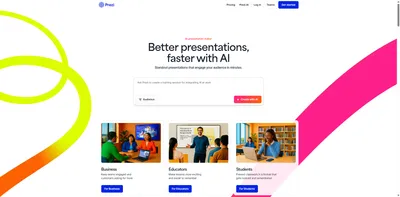
Prezi revolutionized presentations with its zoomable canvas format. Unlike traditional slide-by-slide decks, Prezi lets you create dynamic, non-linear narratives that keep audiences engaged and help ideas stick.

Pros

  • Unique zoomable canvas format
  • AI-powered outline suggestions
  • Prezi Video for webcam integration
  • Strong analytics on viewer engagement

Cons

  • Learning curve for new users
  • Can feel gimmicky for formal presentations
Best for: Speakers who want dynamic, memorable presentations
#3
🎨

Visme

All-in-one visual content creation platform

Most Versatile
4.5
$29 /mo
Free plan available

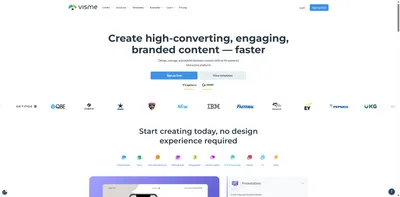
Visme goes beyond presentations to offer infographics, data visualizations, documents, and social graphics — all in one platform. Its AI assistant helps generate content, images, and slide layouts quickly.

Pros

  • Multi-format content creation (not just slides)
  • Powerful data visualization tools
  • AI content and image generation
  • Embeddable interactive presentations

Cons

  • Higher price point than competitors
  • Interface can feel overwhelming at first
Best for: Marketers and educators needing diverse visual content
#4
🐙

Decktopus

AI that builds your entire deck in one click

Easiest to Use
4.3
$24.99 /mo
Trial only

Decktopus AI creates complete, content-filled presentations from a short description in seconds. With built-in form widgets, timers, and note cards, it's great for trainers, coaches, and educators.

Pros

  • Fastest deck generation — truly one click
  • Built-in forms, timers, and widgets
  • Content suggestions within slides
  • Custom domain sharing

Cons

  • No free plan (trial only)
  • Less design flexibility than competitors
Best for: Coaches, trainers, and educators who need speed
💰

Budget-Friendly Options

Great AI presentation capabilities without breaking the bank. These tools offer the best value for individuals and small teams.

4 tools
#1
📊

SlidesAI

Turn any text into Google Slides instantly

Best Free
4.2
$10 /mo
Free plan available

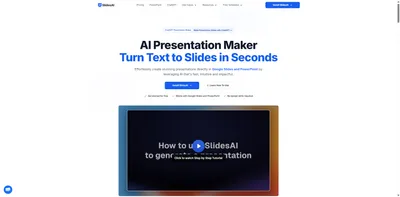
SlidesAI is a Google Slides add-on that uses AI to convert any text or topic into a complete presentation within your existing Google Workspace workflow. Perfect for those already living in Google Docs.

Pros

  • Works directly inside Google Slides
  • Generous free tier (3 presentations/month)
  • Simple and fast — no learning curve
  • Good for students and educators

Cons

  • Limited design customization
  • Requires Google account
Best for: Google Workspace users wanting quick AI-generated decks
#2
💬

ChatSlide AI

Chat to create and refine your slides

Best Free Alternative
4.0
$14.9 /mo
Trial only

ChatSlide AI lets you conversationally create and edit presentations through a chat interface. Upload a document or describe your topic and refine the output with follow-up messages.

Pros

  • Conversational slide editing via chat
  • Document upload to slide conversion
  • Affordable entry price at $14.9/mo
  • Simple, intuitive interface

Cons

  • Newer platform with fewer templates
  • Export quality can be inconsistent
Best for: Users who prefer a chat-based creation workflow
#3

GenPPT

Generate PowerPoint files with AI in seconds

Fastest Generator
3.9
$19 /mo
Free plan available

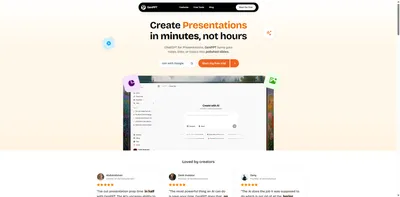
GenPPT focuses on one thing: turning a prompt into a downloadable PowerPoint file as fast as possible. No account required for basic use, making it perfect for one-off quick presentations.

Pros

  • No account needed for basic generation
  • Outputs native .pptx files
  • Extremely fast generation
  • Very budget-friendly pricing

Cons

  • Limited design quality
  • Few template options
Best for: Anyone needing a quick PowerPoint draft fast
#4
🌟

Alai

AI-powered slides with stunning visuals

Hidden Gem
4.2
$20 /mo
Free plan available

Alai is an emerging AI presentation tool that focuses on generating visually stunning slides with AI-generated imagery and smart layouts. It's a dark horse competitor gaining traction in 2025.

Pros

  • AI-generated images for each slide
  • Beautiful modern design output
  • Competitive free tier
  • Fast-improving feature set

Cons

  • Still maturing — occasional bugs
  • Smaller template library
Best for: Visual-first users who want AI imagery in slides
🎉

Interactive Presentations

Go beyond static slides — engage your audience with live polls, quizzes, Q&A sessions, and real-time reactions.

1 tool
#1
🎉

AhaSlides

Live polls, quizzes, and Q&A in your slides

Best Interactive
4.7
$23.95 /mo
Free plan available

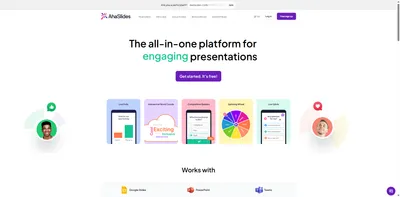
AhaSlides transforms presentations into interactive experiences with live polls, word clouds, quizzes, Q&A sessions, and spinner wheels. It's the go-to tool for trainers, teachers, and event hosts.

Pros

  • Live audience polls and quizzes
  • Word clouds and open-ended Q&A
  • Works with PowerPoint import
  • Real-time results and analytics

Cons

  • Not a standalone presentation builder
  • Free plan limited to 7 participants
Best for: Trainers, teachers, and event hosts engaging audiences

Learn More

From Our Blog

In-depth guides, comparisons, and tips for finding the best AI presentation tool.

Got Questions?

Frequently Asked Questions

Everything you need to know about AI presentation tools.

An AI presentation tool uses artificial intelligence — typically large language models — to automatically generate slide content, layouts, and design from a text prompt or uploaded document. Instead of starting from a blank slide, you describe your topic and the AI builds a complete deck in seconds.
Most AI presentation tools offer a free plan, but with limitations (e.g., 3 exports per month, watermarks on exports, or restricted templates). Tools like SlidesAI, SlideSpeak, and AhaSlides all have genuinely usable free tiers. For heavy use, budget options like SlidesAI start at $10/month, while more powerful tools like SlideSpeak or Visme start at $29/month.
For most use cases, yes. Modern AI tools like SlideSpeak, Beautiful.ai, and Pitch offer everything PowerPoint does — plus they save hours of manual work. They export to .pptx format if you need PowerPoint compatibility. However, for complex data-heavy slides with custom macros, PowerPoint may still be needed.
Pitch is our top pick for teams thanks to its real-time collaborative editing, inline comments, and version history. Beautiful.ai is also excellent for teams with its shared brand kit and asset library. For enterprise teams, Presentations.ai offers the most control over brand guidelines.
Data handling varies by tool. Most reputable tools (SlideSpeak, Beautiful.ai, Pitch) are SOC 2 compliant and don't use your content to train their AI models. Enterprise plans typically offer additional data residency options. Always check the privacy policy before uploading sensitive business documents.
SlideSpeak is prompt-first — you type a topic and it generates a complete deck in under 60 seconds. Beautiful.ai is design-first — you build slides manually but the AI auto-arranges layouts for you. SlideSpeak wins on speed; Beautiful.ai wins on design consistency. SlideSpeak starts at $29/month while Beautiful.ai starts at $12/month.
Ready to Choose?

Find Your Perfect AI Presentation Tool

Stop wasting time on manual slides. Pick an AI tool today and create stunning presentations in minutes — not hours.

Independent reviews
No paid placements
Updated monthly